🎁 Share word lists with your friends via AirDrop
Wokabulary makes it very easy to exchange words with your friends or classmates.
Send words to somebody else
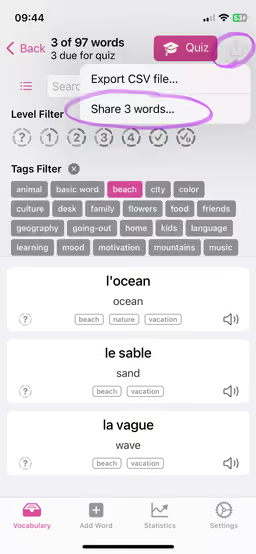
- Simply filter for the words you want to share in the vocabulary view
- Tap the share button in the toolbar and select
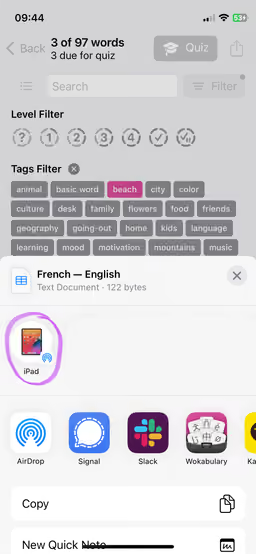
Share words… - Share the generated CSV file with your friend via AirDrop or using your favorite messenger
Receive words from somebody via AirDrop
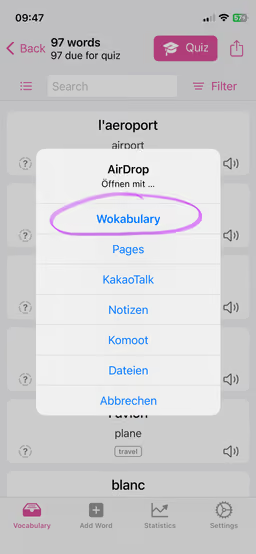
- When you receive a CSV word list from somebody, the System will offer a list of apps to open it with. Select Wokabulary
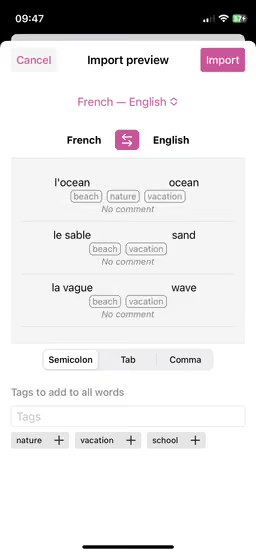
- Wokabulary will show a preview of the words, so you can review them before starting the actual import