🐛 Export technical logs for support
If you contact us because of an issue, we might ask you to send us the technical logs. The logs can help us to understand what exactly happened and identify the problem.
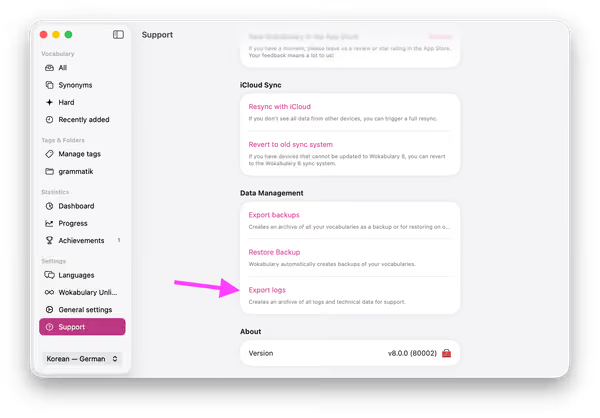
Export logs on the Mac
You find the Export function in Settings → Support → Export logs:
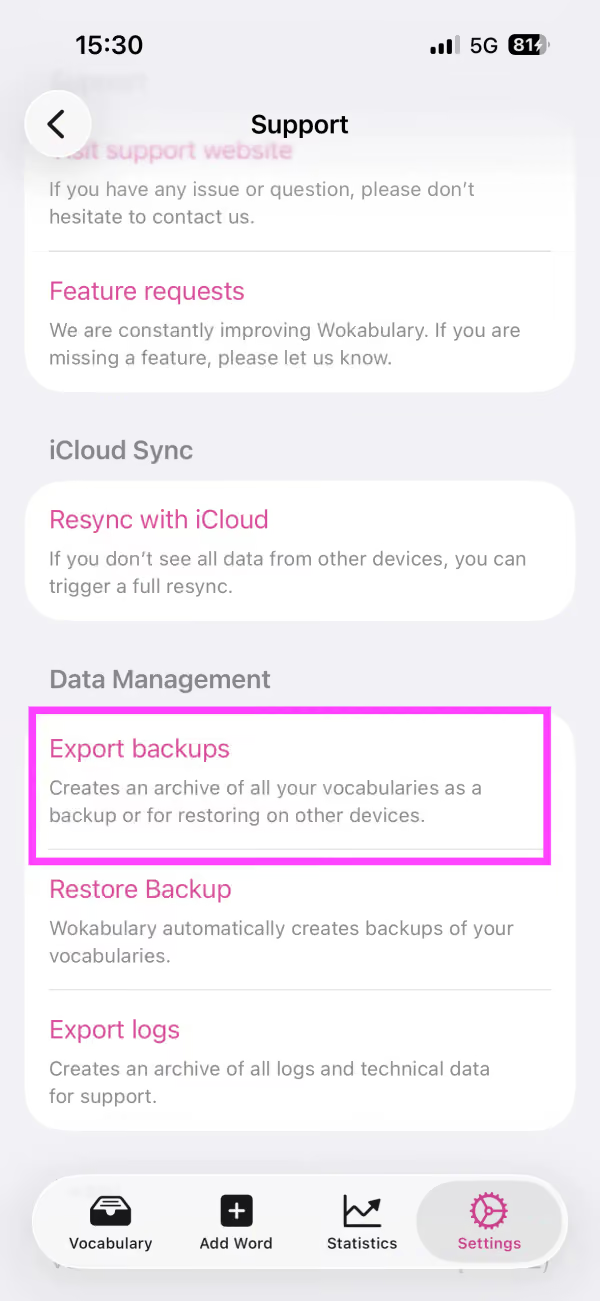
Export logs on iPhone
On the iPhone you find the logs export in Settings → Support → Export logs: